
Release notes: Inception CRM 2026.2 for iOS enables pharma teams to check HCP consent before planning activities or sharing content, transfer ownership of contracts and approval requests to another user, find warehouse products faster, and view schedules correctly across time zones.
It also includes bug fixes, performance improvements and an upgrade to .NET 10.
Check HCP consent before planning an activity
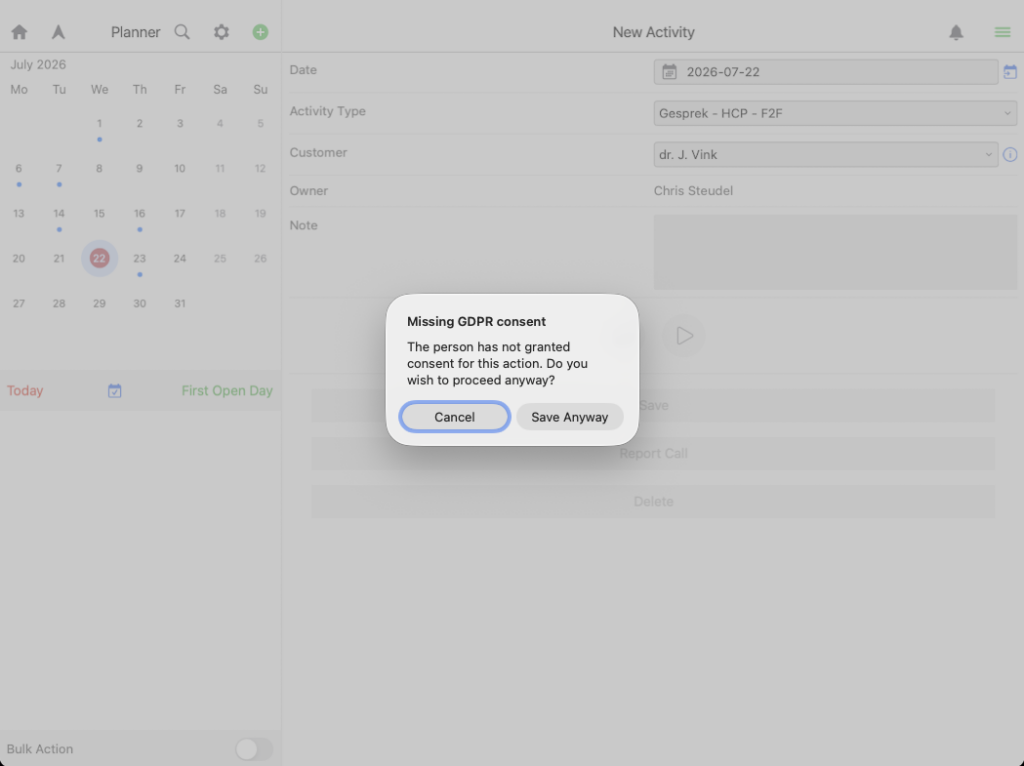
The Planner module now checks whether a doctor has valid consent when a user creates an activity.
Customers can choose how the application responds:
- Hard block: The activity can’t be saved until valid consent exists.
- Soft block: The user sees a warning but can still save the activity.
This helps field teams identify missing consent before an HCP interaction is planned, while giving compliance teams control over how strictly the rule is applied.
Check HCP consent before sharing content
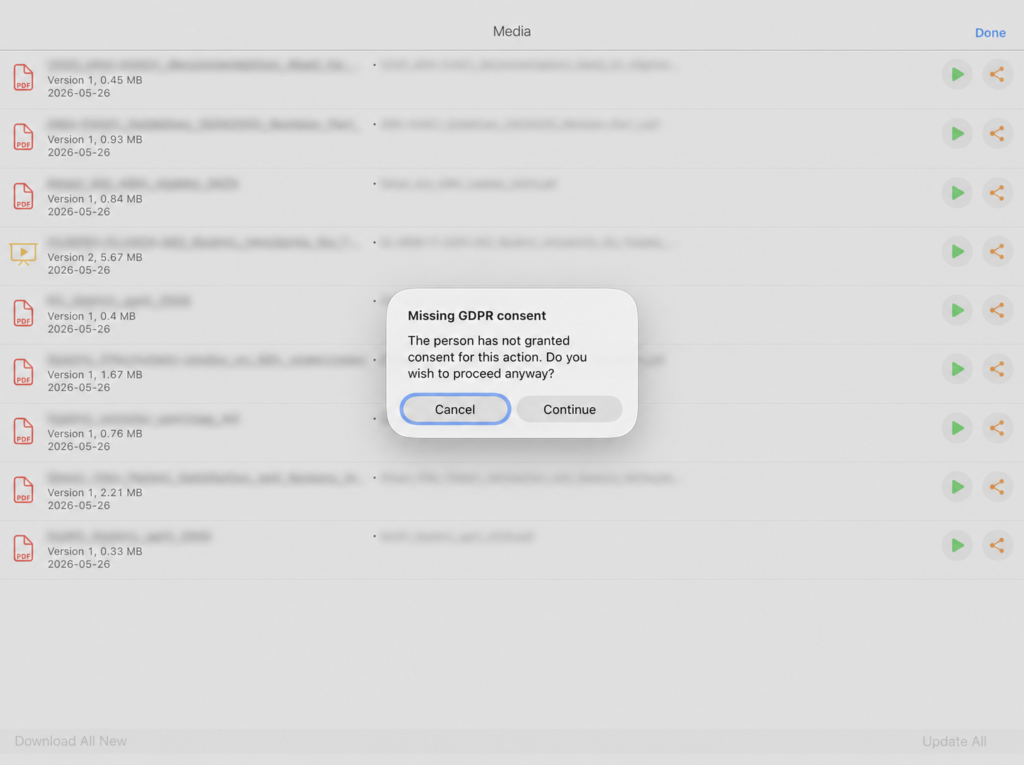
The Media module now checks whether a doctor has valid consent before promotional or medical content is shared.
Customers can use the same two settings:
- Hard block: The content can’t be shared until valid consent exists.
- Soft block: The user sees a warning but can still continue.
This gives teams a consistent way to check consent before both planning HCP activities and sharing content.
Reassign approval requests and contracts to another user
Approvals module: Users can now transfer ownership of a contract or an approval request to another user from the iOS app.
This helps teams keep work moving when responsibility changes.
For example:
- A marketing assistant can prepare an approval request for a sales representative, then transfer ownership so the representative can review, edit and submit it.
- An open contract can be reassigned when a rep leaves the company or another colleague needs to take over.
The feature was already available in the web client and is now also available on iOS.
Find warehouse products and batches faster
Products in the Warehouse module’s stock and transaction lists are now sorted consistently by:
- Brand
- Product
- Batch number
- Expiration date
The same sorting order applies throughout the Warehouse module, making long lists easier to scan and helping users find the right product or batch faster.
View schedules correctly across time zones
Users can now choose their preferred time zone in Settings. By default, the app uses the user’s local time zone.
Events in the Planner module are displayed in the active time zone of the person viewing them.
For example, a field rep sees activities in their own local time, while a manager in another country sees the same activities adjusted to the manager’s selected time zone.
This helps teams interpret schedules correctly when working across different countries or regions.
Upgraded to .NET 10
The iOS application is now built on .NET 10, Microsoft’s latest application framework.
This keeps the application on a current, supported platform and provides the foundation for performance and stability improvements in this and future releases.